GEO Optimization for Framer: Get Cited by AI Search

Slava Burian
How to
12 min read



If you've spent time optimizing your Framer site for Google, you already know the basics: clean structure, fast load, good content. But search is changing. More people are getting answers directly from ChatGPT, Perplexity, and Google AI Overviews — without clicking a single link.
GEO (Generative Engine Optimization) is about making sure your content is the source those AI engines pull from.
For Framer users, this is both an opportunity and a gap. Most GEO guides are platform-agnostic. They tell you what to do but not how to do it inside Framer. This guide fixes that. You'll get a clear picture of what Framer already handles for you, and exactly what you need to add yourself.
What Is GEO and Why It Matters for Framer Users
GEO stands for Generative Engine Optimization. It's the practice of structuring your content so AI-powered search engines can understand, trust, and cite it in their responses.
Traditional SEO gets your page to rank. GEO gets your content quoted.
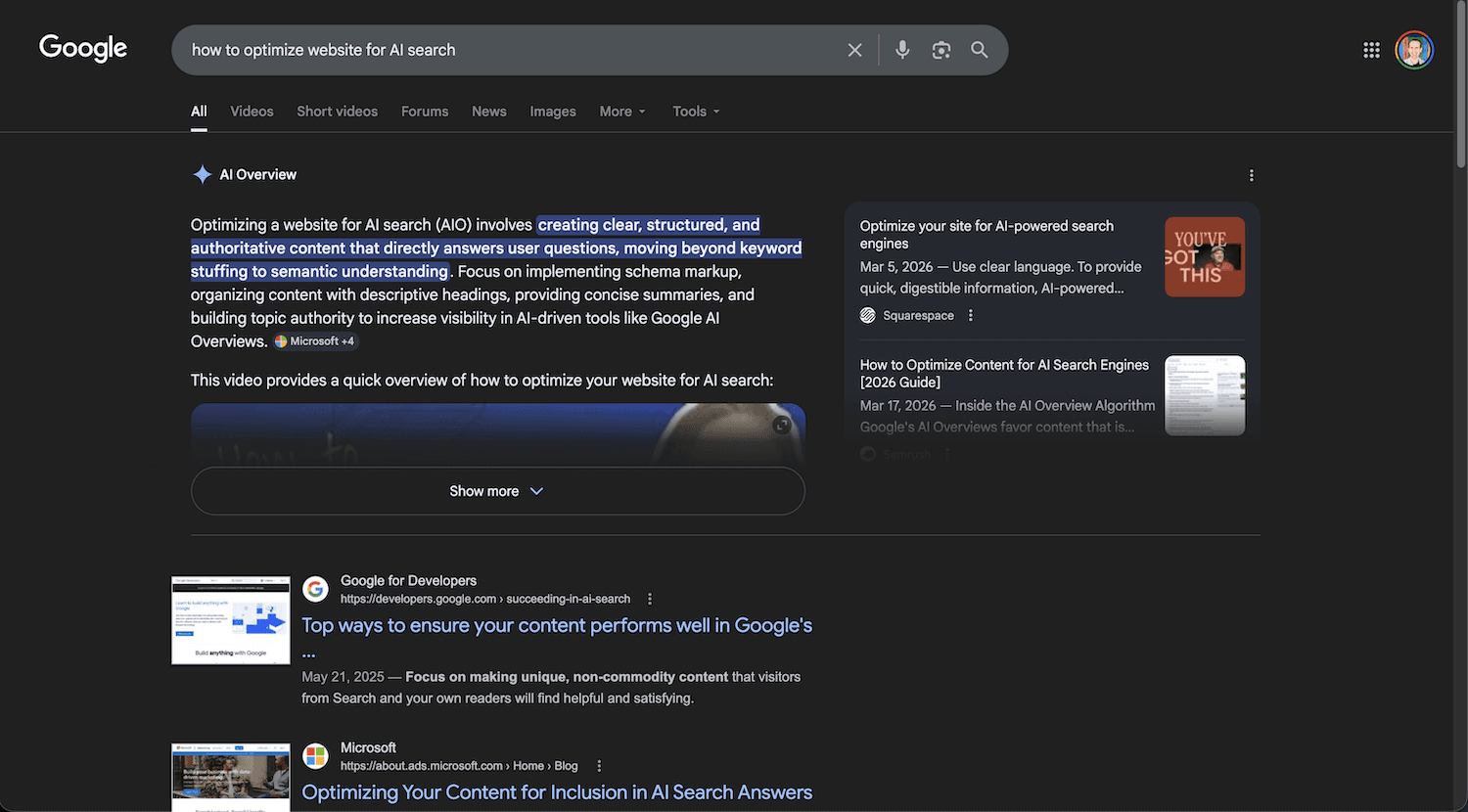
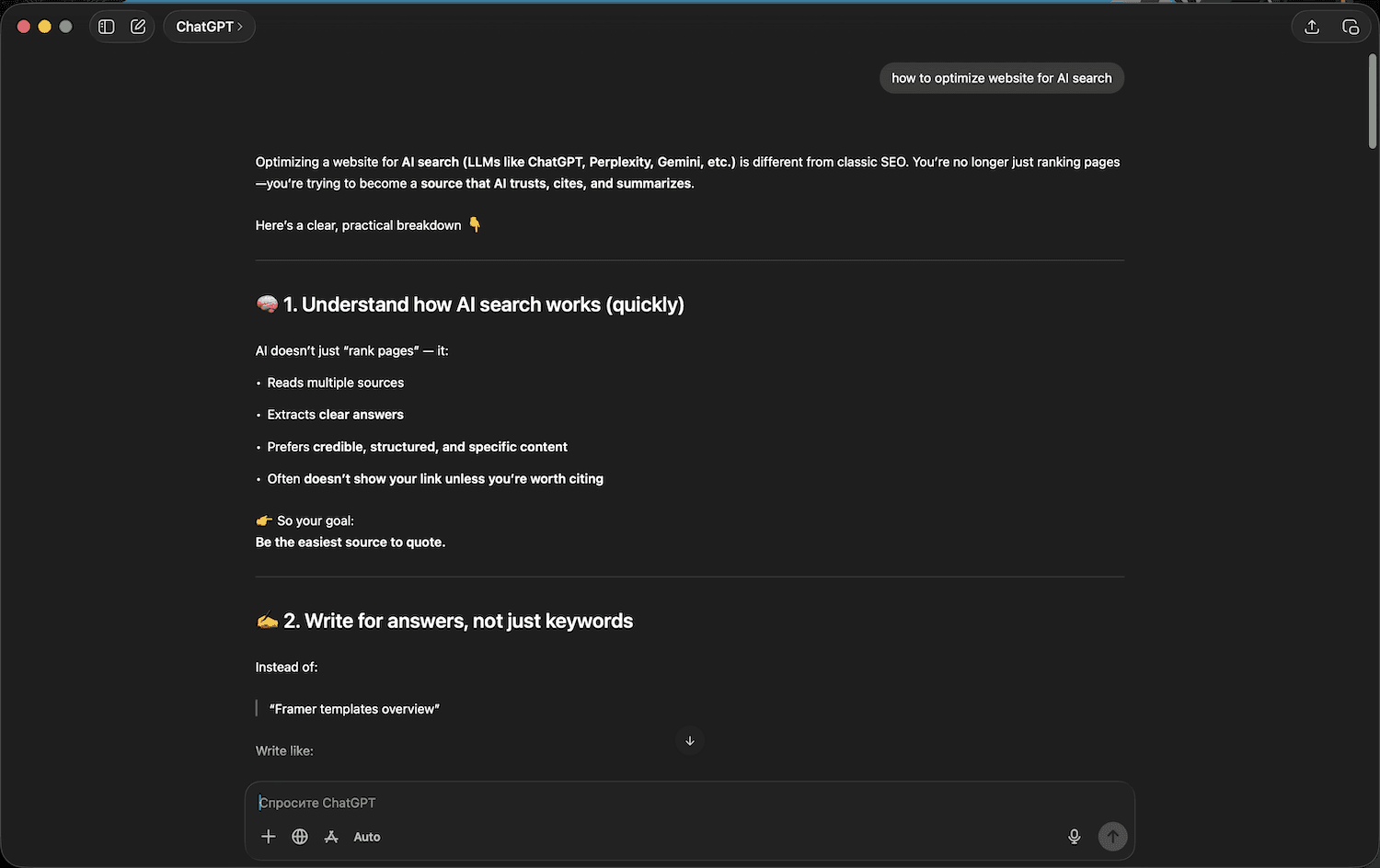
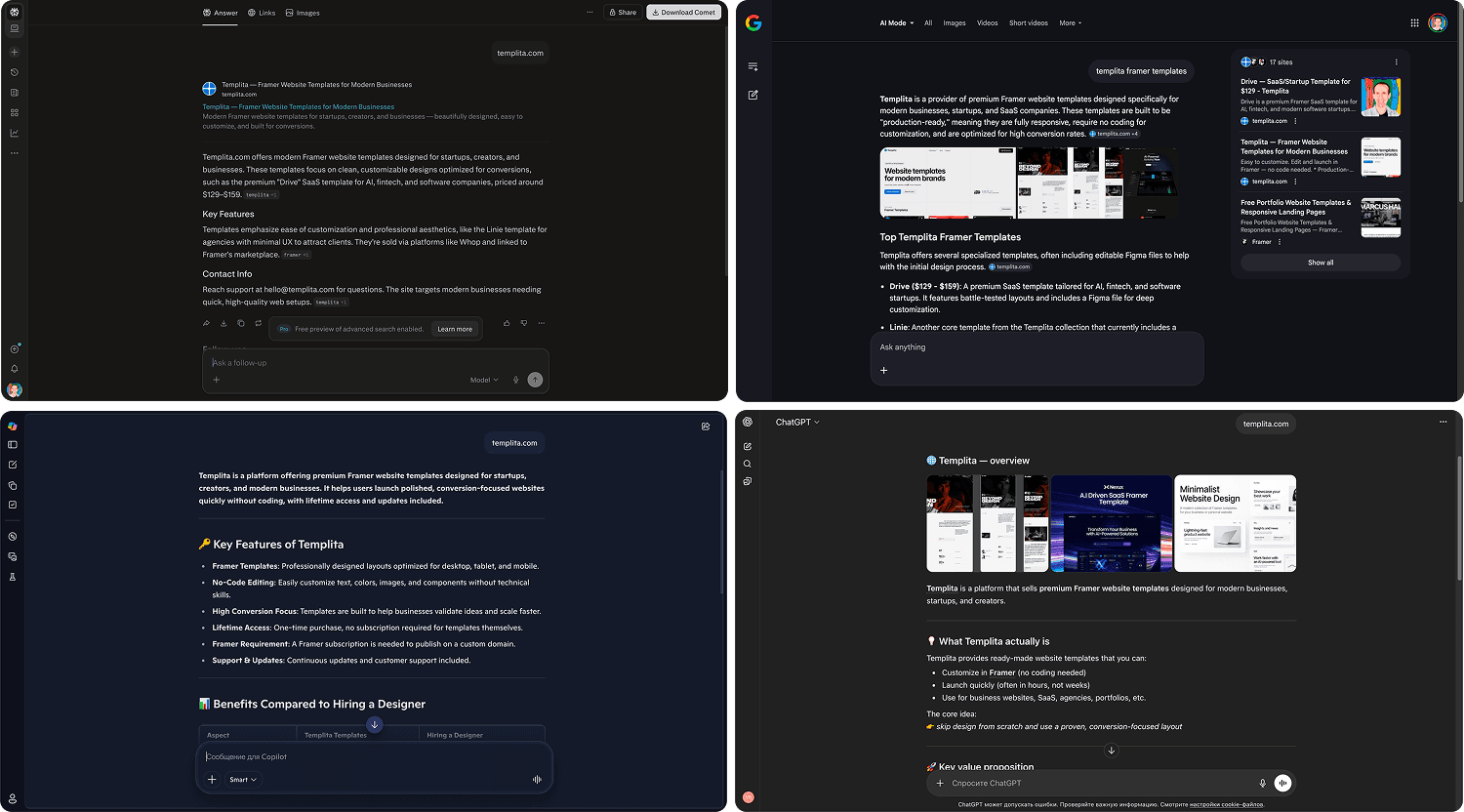
The distinction matters more every month. Google's AI Overviews now appear on a growing share of search queries. Perplexity serves millions of searches daily. ChatGPT's browsing feature pulls live content from indexed sites. If your Framer site isn't structured for these systems, you're invisible to a growing slice of how people find information.
GEO vs SEO: The Key Difference
SEO is about ranking signals — backlinks, keywords, domain authority. GEO is about answer quality. AI engines scan pages looking for content that directly, clearly, and accurately answers a specific question. They reward density, structure, and credibility — not just keyword placement.
The core shift: SEO optimizes for clicks. GEO optimizes for citations.
That said, the two aren't opposites. Good SEO structure — semantic HTML, fast load times, clear headings — is the same foundation GEO builds on. If you've already done SEO work on your Framer site, you're not starting from zero.
Which AI Platforms You're Optimizing For
The main platforms pulling from live web content right now are:
Google AI Overviews — appears above organic results for informational queries
Perplexity AI — citation-heavy answers that link directly to sources
ChatGPT with browsing — references live URLs when search mode is active
Bing Copilot — deeply integrated with Microsoft's search index
Each has slightly different behavior, but the underlying logic is the same: they prefer content that is structured, authoritative, and easy to parse. Optimizing for one tends to help across all of them.
GEO vs AEO: What's the Difference?
GEO and AEO get used interchangeably in a lot of articles. They're related, but they're not the same thing — and knowing the difference helps you prioritize the right tactics.
AEO (Answer Engine Optimization) is the older term. It emerged when voice search took off and people started asking Siri, Alexa, and Google Assistant direct questions. AEO is about structuring content so it gets pulled as a featured snippet or a spoken answer. The focus is narrow: win the single answer box for a specific query.
GEO is broader. It's about visibility across all generative AI systems — ChatGPT, Perplexity, Google AI Overviews, Bing Copilot — not just voice assistants or featured snippets. GEO considers how AI models synthesize multiple sources, how they decide which sites to cite, and how your brand authority is perceived across the web.
Think of AEO as a subset of GEO. If you've done AEO work — FAQ schema, direct answers, question-based headings — that work carries over. GEO just extends the scope.
Where They Overlap
Both AEO and GEO reward the same content habits: direct answers early in a section, question-based headings, FAQ schema, and clean structure. If your Framer site already has FAQ pages with FAQPage schema, you're doing AEO — and that same setup contributes to your GEO visibility.
The overlap is large enough that you don't need two separate strategies. One well-structured content approach covers both.
Where GEO Goes Further
AEO stops at the content layer. GEO adds two dimensions AEO doesn't address:
Off-site citation authority — AI engines cross-reference your brand across trusted third-party sources. AEO doesn't care about this. GEO does.
Technical crawler access — ensuring GPTBot, PerplexityBot, and similar AI crawlers can actually reach your pages. AEO was built around Google's crawler. GEO requires thinking about a wider set of bots.
For Framer site owners, the practical takeaway is simple: optimize for GEO, and AEO comes along for free.
A Quick Comparison
AEO | GEO | |
|---|---|---|
Target systems | Voice assistants, featured snippets | ChatGPT, Perplexity, AI Overviews, Bing Copilot |
Content focus | Single direct answer | Citable, fact-dense content across sections |
Schema priority | FAQPage, HowTo | Article, FAQPage, Organization |
Off-site signals | Low priority | High priority |
AI crawler access | Not considered | Essential |
Why Framer Is Already Good for GEO
Before adding anything, it helps to understand what Framer gives you out of the box. The answer is: more than most builders.
Framer renders clean, semantic HTML. It doesn't bury your content under layers of JavaScript-only rendering the way some older builders do. AI crawlers — just like Googlebot — need to read your page content directly. Framer's output is generally crawlable without extra configuration.
Clean DOM Structure and Semantic HTML
Framer uses proper heading hierarchy when you apply H1, H2, H3 styles through the text settings panel. That structure matters for GEO. AI engines use heading tags to understand what a page is about and to extract section-level answers.
If your Framer page uses a single text style for everything, you're leaving signal on the table. Switch to semantic heading levels in the text panel — H1 for the page title, H2 for main sections, H3 for subsections. It takes five minutes and has an immediate impact on how AI systems parse your content.
Framer also outputs clean <p> tags for body text, <ul> and <ol> for lists, and respects landmark elements like <section> when you use layout components correctly. That's a meaningful head start over drag-and-drop builders that wrap everything in <div> soup.
Fast Load Times and Core Web Vitals
GEO and SEO share the same technical floor: pages need to load fast and be stable. Framer hosts on a global CDN and optimizes images automatically. Most Framer sites score well on Core Web Vitals without manual tuning.
This matters for GEO because AI indexers don't wait. If a page is slow or unstable, crawlers move on. Framer's infrastructure removes this problem by default.
What Framer Does Out of the Box
Here's a quick summary of what Framer handles without any extra work on your part:
Feature | Framer Default | GEO Impact |
|---|---|---|
Semantic HTML output | ✓ Yes | High |
Global CDN hosting | ✓ Yes | Medium |
Automatic image optimization | ✓ Yes | Medium |
Meta title / description fields | ✓ Yes (per page) | High |
Sitemap generation | ✓ Yes | High |
robots.txt | ✓ Basic default | Medium |
JSON-LD schema | ✗ Manual setup | High |
llms.txt | ✗ Manual setup | Medium |
The bottom half of that table is where your work begins.
Content Structure That AI Engines Actually Cite
Getting your Framer site technically ready is step one. But the biggest GEO lever isn't technical — it's how you write.
AI engines are extracting answers, not ranking pages. They look for content that gives a clear, direct response to a question within the first few sentences of a section. If your content buries the point under context and backstory, AI systems will skip it.
The rule: answer first, explain second.
How to Format Answers AI Can Extract
Think of each H2 section on your page as a potential citation unit. The AI reads the heading, then scans the first 40–80 words of that section. If those words clearly answer the question implied by the heading, you're in the running to be cited.
This means your section openers need to be direct. Don't start with "In this section, we'll explore..." Start with the answer.
For example, instead of:
"There are several ways to think about schema markup, and understanding them requires some background..."
Write:
"Schema markup is structured data you add to your page's HTML so search engines and AI systems can categorize your content accurately."
The second version is citable. The first is not.
Fact Density and Direct Answers in the First 60 Words
AI engines weight the opening of each content block heavily. Studies on GEO have found that content with higher fact density gets cited more often — meaning concrete statements, numbers, and named entities outperform vague explanations.
On your Framer blog or landing pages, lead each section with a factual claim or direct definition. Save the nuance and elaboration for the paragraphs that follow.
" height="40px" id="SHxZVWPpt" width="40px"/></svg>)
"You need clear headings to help AI identify which section answers which question. Also, putting answers early in sections may make them easier for AI to find and extract."
Using Headings as Question Signals
One of the most effective GEO tactics is writing your H2 and H3 headings as implied or explicit questions. AI engines map headings to user queries. A heading like "How to Add Schema Markup in Framer" directly matches how someone might phrase a question to an AI assistant.
You don't need to make every heading a literal question. But each heading should map to a specific user intent — not just describe a topic. "Schema Markup" is a topic. "How to Add Schema Markup in Framer" is an intent.
Review your Framer page headings with this filter: could someone type this heading (or a close variation) into ChatGPT as a question? If yes, you're on the right track.
Schema Markup and Structured Data in Framer
Schema markup is JSON-LD code that tells AI engines and search crawlers exactly what your content is — an article, a product, an FAQ, a person. Without it, AI systems have to guess. With it, you're handing them a labeled map.
Schema doesn't change how your page looks. It changes how machines read it.
For GEO specifically, schema is one of the clearest signals you can send. Google's AI Overviews and Perplexity both use structured data to validate content type and source authority. If two pages cover the same topic and one has schema, the one with schema gets cited more often.
Which Schema Types Matter Most for GEO
Not all schema types carry equal weight for generative search. These are the ones worth implementing on a Framer site:
Schema Type | Use Case | GEO Value |
|---|---|---|
| Blog posts, guides | High |
| FAQ sections | High |
| Homepage, About page | High |
| Multi-page sites | Medium |
| eCommerce / template pages | Medium |
| Personal sites, portfolios | Medium |
Start with Article for every blog post and FAQPage for any page with Q&A sections. Add Organization to your homepage so AI engines can establish who you are as a source.
If you're running an eCommerce Framer site — like a store built on a template such as Boutiq — Product schema on individual product pages directly improves how AI engines describe and cite your offerings.
How to Add JSON-LD in Framer
Framer doesn't have a built-in schema field, but adding JSON-LD is straightforward using the Custom Code panel.
Here's how:
Open your Framer project and go to Site Settings → Custom Code
Paste your JSON-LD script in the Head section for site-wide schema (Organization, etc.)
For page-specific schema (Article, FAQPage), open the individual page, go to Page Settings → Custom Code → Head
Paste the relevant JSON-LD there
A basic BlogPosting schema for a Framer article looks like this:
robots.txt and AI Crawler Access
Framer generates a default robots.txt that allows all crawlers. That's the right default for most sites. But if you've customized yours to block certain paths, double-check that you're not accidentally blocking AI crawlers like GPTBot (OpenAI), PerplexityBot, or ClaudeBot (Anthropic).
A robots.txt that blocks these bots will make your site invisible to those AI systems — regardless of how well-optimized your content is.
Check your live robots.txt at yourdomain.com/robots.txt. If you see a blanket Disallow: / under User-agent: *, fix it immediately. If you're blocking specific bots intentionally, that's a deliberate choice — just make sure it is intentional.
Sitemap and Crawlability
Framer auto-generates an XML sitemap and submits it to Google Search Console when connected. That sitemap also helps AI crawlers discover your pages systematically.
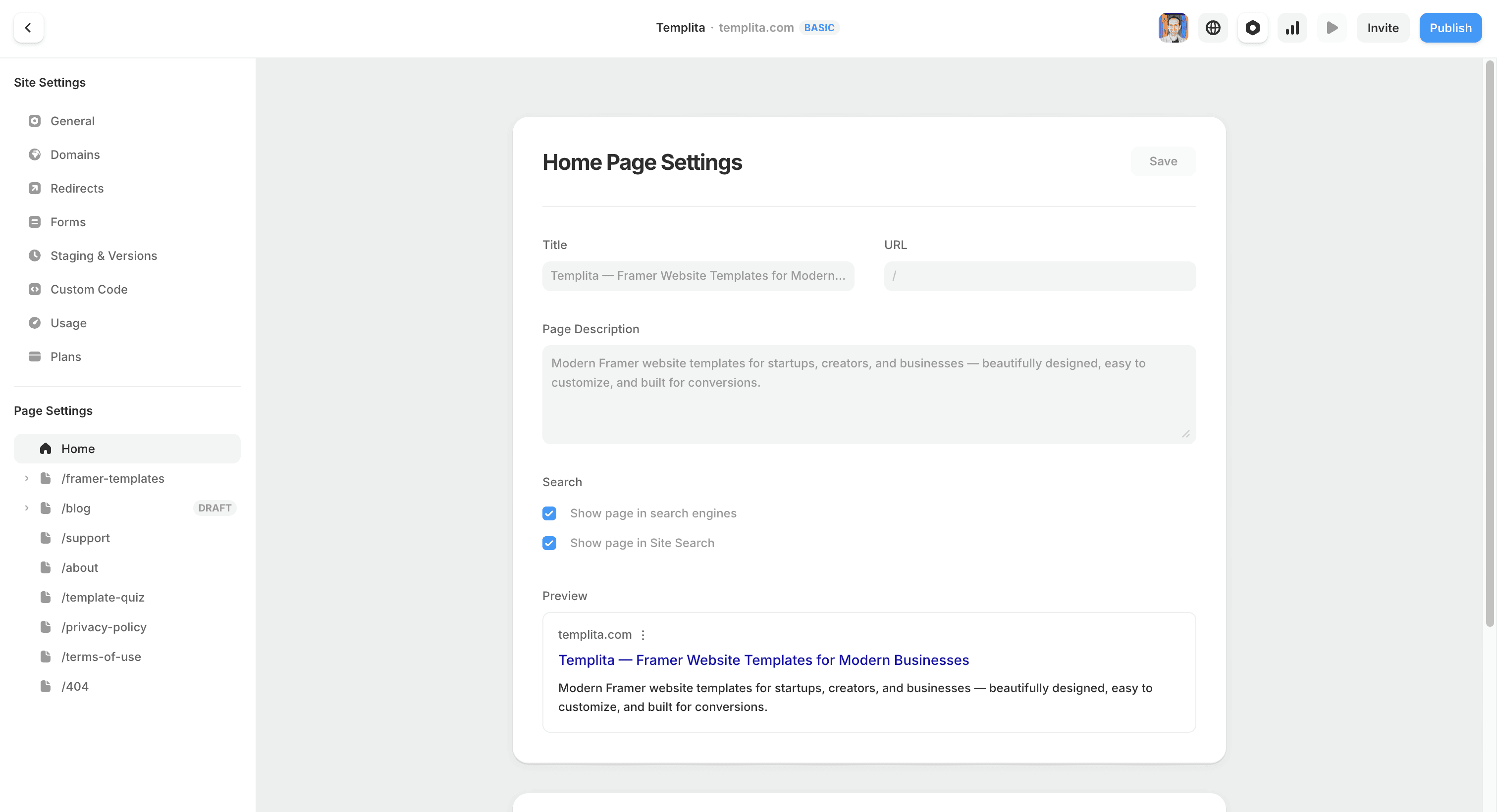
Make sure every important page is included. If you've marked any pages as "noindex" in Framer's page settings, those pages won't appear in the sitemap — and AI engines won't crawl them. For blog posts and landing pages you want cited, keep them indexable.
Off-Site GEO: Building Citation Authority Beyond Your Framer Site
Everything covered so far lives on your site. But AI engines don't form opinions about sources in isolation. They cross-reference. If your brand, name, or domain appears consistently across trusted third-party sources, AI systems treat you as more authoritative — and cite you more often.
This is the GEO equivalent of link building, except the goal isn't PageRank. It's recognition.
Where AI Engines Learn About Your Brand
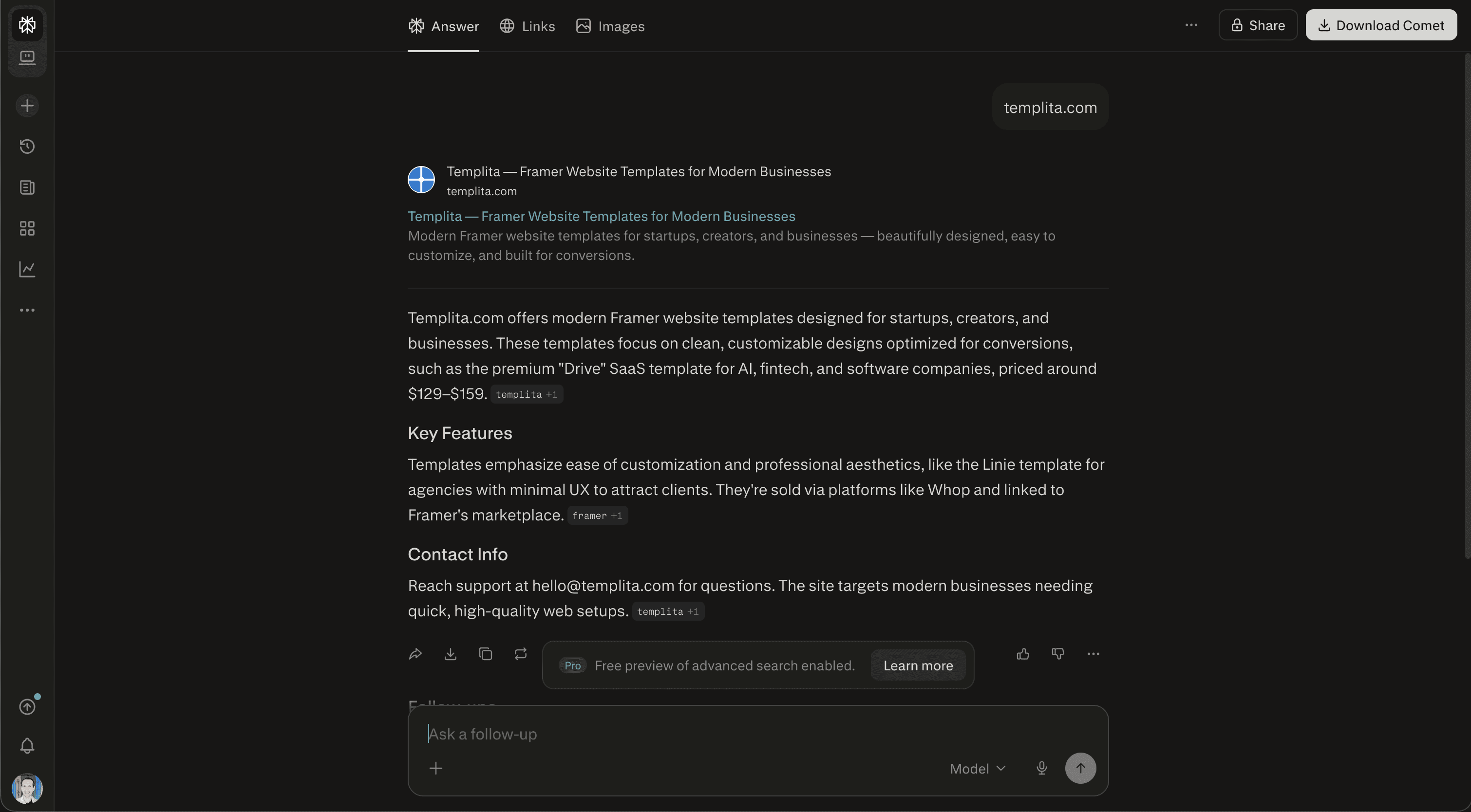
Generative AI systems are trained on large datasets that include Wikipedia, Reddit, major publications, GitHub, product review sites, and high-authority blogs. When your brand appears in those sources — even as a mention without a backlink — AI models learn to associate your name with your topic.
Being mentioned on a source AI trusts is more valuable than a backlink on a site it doesn't know.
Practically, this means: get featured in roundup articles on established design or no-code blogs, answer questions on Reddit threads in your niche, contribute to Indie Hackers or Product Hunt discussions, and get listed in curated directories. Each mention trains the model to recognize you.
Getting Mentioned on Sources AI Trusts
For Framer template creators and no-code builders, the highest-leverage off-site GEO moves are:
Framer community posts and showcases — Framer's own community site is indexed and trusted
Reddit threads in r/framer, r/webdev, r/nocode — AI systems read Reddit heavily
Product Hunt launches — Product Hunt pages get indexed and cited
Guest posts on no-code or design publications — a single well-placed article on a trusted domain can seed your brand across many AI responses
Twitter/X threads with high engagement — Perplexity in particular cites tweets from accounts with meaningful engagement
You don't need to do all of these at once. Pick two channels where you can show up consistently, and build from there.
" height="40px" id="rjbK8FTRN" width="40px"/><path d="M 26.641 12.014 C 26.645 12.288 26.611 12.562 26.539 12.826 C 26.467 13.091 26.358 13.344 26.215 13.578 C 26.073 13.812 25.898 14.025 25.696 14.211 C 25.494 14.396 25.267 14.552 25.021 14.674 C 25.027 14.747 25.031 14.821 25.034 14.894 C 25.04 15.041 25.04 15.188 25.034 15.334 C 25.031 15.408 25.027 15.481 25.021 15.554 C 25.021 20.034 19.801 23.674 13.361 23.674 C 6.921 23.674 1.701 20.034 1.701 15.554 C 1.696 15.481 1.691 15.408 1.689 15.334 C 1.683 15.188 1.683 15.041 1.689 14.894 C 1.691 14.821 1.696 14.747 1.701 14.674 C 0.923 14.317 0.34 13.635 0.109 12.81 C -0.123 11.985 0.02 11.1 0.499 10.389 C 0.977 9.679 1.744 9.214 2.595 9.119 C 3.447 9.024 4.297 9.307 4.921 9.894 C 5.494 9.506 6.093 9.16 6.716 8.859 C 7.338 8.558 7.982 8.302 8.641 8.094 C 9.301 7.886 9.975 7.726 10.657 7.616 C 11.34 7.505 12.03 7.445 12.721 7.434 L 14.201 0.494 C 14.218 0.414 14.25 0.338 14.297 0.27 C 14.343 0.202 14.402 0.144 14.471 0.1 C 14.54 0.055 14.617 0.025 14.698 0.01 C 14.778 -0.005 14.861 -0.003 14.941 0.014 L 19.841 0.994 C 20.336 0.145 21.374 -0.219 22.29 0.135 C 23.207 0.489 23.731 1.456 23.526 2.417 C 23.321 3.378 22.448 4.048 21.467 3.998 C 20.486 3.947 19.686 3.191 19.581 2.214 L 15.301 1.314 L 14.001 7.554 C 14.684 7.569 15.366 7.633 16.04 7.745 C 17.389 7.97 18.699 8.389 19.93 8.988 C 20.544 9.287 21.136 9.63 21.701 10.014 C 22.107 9.624 22.618 9.36 23.171 9.254 C 23.724 9.147 24.296 9.203 24.819 9.414 C 25.341 9.626 25.791 9.984 26.114 10.445 C 26.438 10.906 26.621 11.451 26.641 12.014 Z M 6.793 14.78 C 6.894 15.022 7.041 15.243 7.227 15.428 C 7.413 15.614 7.633 15.761 7.876 15.862 C 8.118 15.963 8.378 16.014 8.641 16.014 C 9.45 16.014 10.179 15.527 10.489 14.78 C 10.799 14.032 10.627 13.172 10.055 12.6 C 9.483 12.028 8.623 11.857 7.876 12.166 C 7.129 12.476 6.641 13.205 6.641 14.014 C 6.641 14.277 6.693 14.537 6.793 14.78 Z M 18.248 19.581 C 18.351 19.481 18.409 19.344 18.411 19.201 C 18.413 19.058 18.358 18.92 18.258 18.817 C 18.158 18.715 18.021 18.656 17.878 18.654 C 17.735 18.652 17.597 18.708 17.481 18.794 C 17.18 19.01 16.862 19.2 16.529 19.362 C 16.196 19.524 15.85 19.658 15.495 19.761 C 15.14 19.865 14.777 19.938 14.409 19.981 C 14.041 20.023 13.671 20.034 13.301 20.014 C 12.932 20.031 12.562 20.016 12.196 19.97 C 11.829 19.924 11.467 19.847 11.114 19.74 C 10.76 19.633 10.416 19.496 10.086 19.331 C 9.755 19.166 9.439 18.973 9.141 18.754 C 9.038 18.669 8.906 18.626 8.772 18.632 C 8.638 18.639 8.512 18.695 8.417 18.79 C 8.322 18.885 8.266 19.011 8.259 19.145 C 8.253 19.279 8.296 19.411 8.381 19.514 C 8.733 19.779 9.106 20.013 9.498 20.214 C 9.889 20.415 10.298 20.582 10.718 20.713 C 11.138 20.844 11.568 20.938 12.005 20.996 C 12.441 21.053 12.882 21.072 13.321 21.054 C 13.761 21.072 14.201 21.053 14.638 20.996 C 15.512 20.881 16.36 20.617 17.145 20.214 C 17.536 20.013 17.91 19.779 18.261 19.514 Z M 17.881 16.174 C 18.152 16.177 18.421 16.125 18.672 16.021 C 18.922 15.916 19.149 15.762 19.338 15.568 C 19.527 15.373 19.674 15.142 19.771 14.889 C 19.868 14.636 19.912 14.365 19.901 14.094 C 19.901 13.285 19.414 12.556 18.667 12.246 C 17.919 11.937 17.059 12.108 16.487 12.68 C 15.915 13.252 15.744 14.112 16.053 14.86 C 16.363 15.607 17.092 16.094 17.901 16.094 Z" fill="rgb(255, 255, 255)" height="23.67435542905508px" id="Y4ODwRWeH" transform="translate(6.699 7.982)" width="26.64141108210045px"/></g></svg>)
"AI systems may give brand mentions more weight even when they’re not linked. This is a kind of a big deal because even casual mentions of your brand across the web could boost your AI visibility."
Conclusion
GEO optimization for Framer isn't a separate project from your existing SEO work — it's an extension of it. The same clean HTML, fast load times, and structured content that help you rank in Google also make you easier for AI engines to read and cite.
The practical gap is in the details. Schema markup, llms.txt, AI crawler access in robots.txt, and content formatted around direct answers — none of these happen automatically in Framer. They require deliberate setup.
Start with the highest-impact changes first: add Article and FAQPage schema to your blog posts, check that your robots.txt isn't blocking AI crawlers, and rewrite your H2 openings to lead with the answer. Those three moves alone will put you ahead of most Framer sites competing for AI citations.
GEO is still early. Most Framer site owners aren't thinking about this yet. That's the window — build your citation authority now, before the space gets crowded.
FAQ
What is GEO optimization?
GEO (Generative Engine Optimization) is the practice of structuring your website content so AI-powered search engines like ChatGPT, Perplexity, and Google AI Overviews can understand and cite it in their responses.
Is Framer good for GEO?
Yes. Framer outputs clean semantic HTML, loads fast, and auto-generates a sitemap — all of which are strong GEO foundations. The main gaps are schema markup and llms.txt, which require manual setup.
How do I add schema markup to a Framer site?
Go to Page Settings → Custom Code → Head and paste your JSON-LD schema there. For site-wide schema like Organization, use Site Settings → Custom Code → Head instead.
Does llms.txt actually help with GEO?
It's an emerging convention, not a confirmed ranking signal. Adding it is low effort and signals intentional structure to AI systems — worth doing, but not a priority over schema and content quality.
How long does GEO optimization take to show results?
There's no fixed timeline, but most changes take 4–8 weeks to reflect in AI citations — roughly similar to SEO. The faster win is content formatting: AI engines can begin citing a well-structured page as soon as they crawl it.
More Articles
Explore More Articles
Discover other Guides & Tips for Framer Websites