Framer vs Wix: Which Website Builder to Choose in 2026

Slava Burian
Framer vs
12 min read




Wix has been the go-to website builder for millions of people since 2006. It's fast to set up, easy to learn, and covers most basic needs out of the box. Framer is newer — but it's been winning over designers, freelancers, and creative studios who've outgrown what Wix can do visually.
So which one is right for you?
If you're trying to figure out which is better — Framer or Wix, this guide breaks it down across every dimension that matters: design flexibility, SEO, CMS, performance, pricing, and more. By the end, you'll know exactly which platform fits your project.

Wix website example

Framer website example
What Makes Framer and Wix Different at Their Core
Wix and Framer are both website builders — but they were built for different people.
Wix is built for speed and simplicity. You pick a template, drag elements around, add your content, and publish. Wix handles hosting, SSL, and most technical decisions for you. It works well for small businesses, service providers, and anyone who needs a site up fast.
Framer is built for design control. It started as a prototyping tool for product designers and grew into a full website builder — keeping that design-first approach. You work with auto-layout frames, components, and interaction layers. It's closer to building in Figma than building in Wix.
Wix — Built for Speed and Simplicity
Wix uses a drag-and-drop editor. You place elements anywhere on the page. That freedom sounds great — but it can make responsive design inconsistent. Wix has improved this with Wix Studio (formerly Editor X), but it still lags in precise layout control.
Framer — Built for Design Control and Interaction
Framer uses a constraint-based layout system — similar to CSS Flexbox and Grid. Elements respond to screen size predictably. You can build animations, scroll effects, and hover states without writing code. The output is clean React, which matters for performance and SEO.
The core difference: Wix removes friction. Framer gives control.
Ease of Use — Which One Can You Actually Learn Faster?
The honest answer: Wix is easier to start. Framer is easier to scale.
If you've never built a website before, Wix will get you live in an afternoon. The interface is clear, templates are ready to go, and built-in guides walk you through each step. You don't need to understand design systems or layout logic.
Framer has a steeper entry point. The canvas feels familiar if you've used Figma — but the mental model is different from traditional builders. You work with frames, breakpoints, and component overrides instead of free-floating elements. Most new users spend a few hours getting comfortable before building anything real.
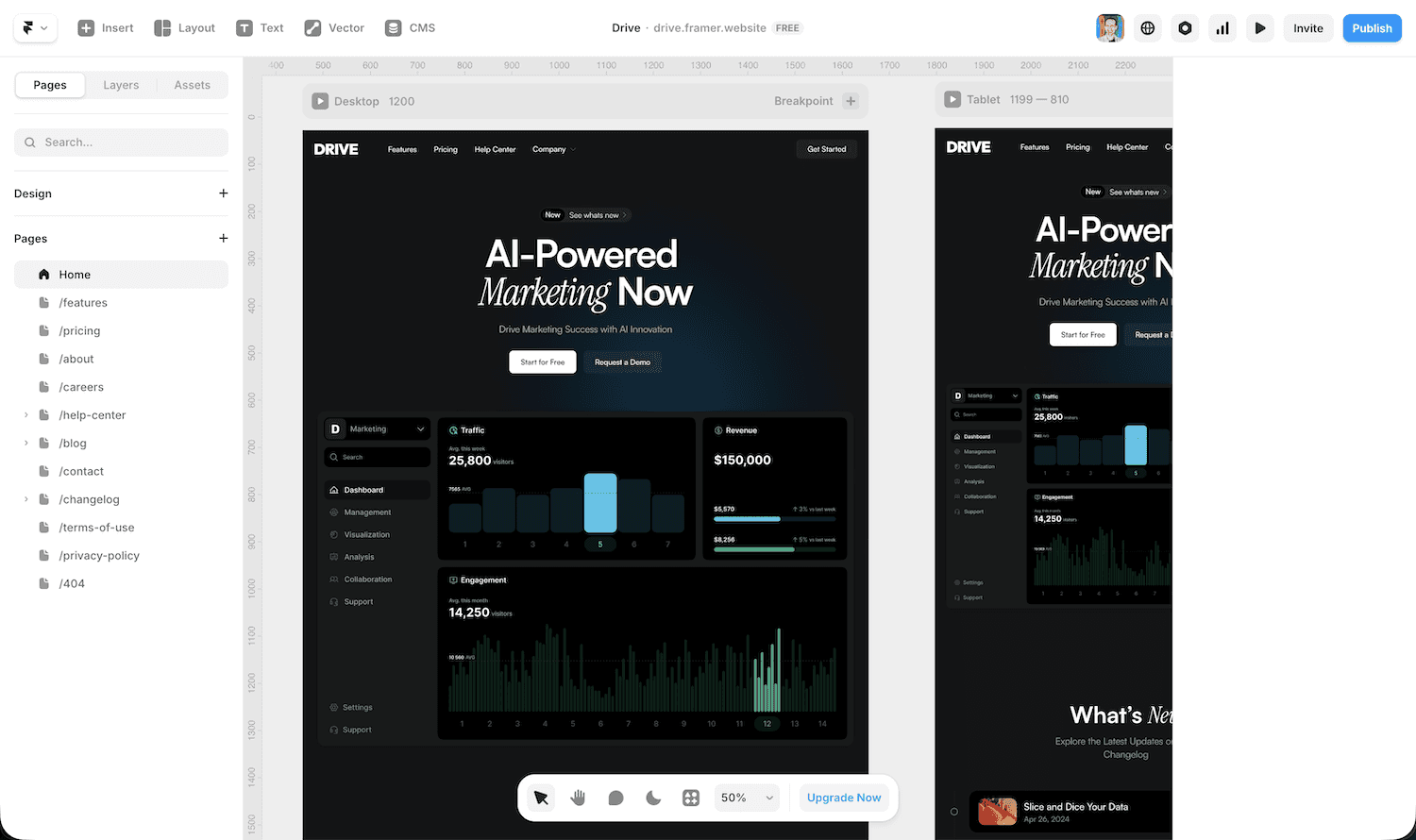
Wix's Drag-and-Drop Learning Curve
Wix's editor is genuinely beginner-friendly. Click an element, edit it, move it — done. The App Market, dashboard, and settings are all clearly labeled.
The catch: because you can place anything anywhere, it's easy to build something that looks fine on desktop and breaks on mobile. Fixing responsive issues in Wix often takes longer than people expect.
Framer's Steeper but More Rewarding Workflow
Framer rewards the time you put in. Once you understand auto-layout and components, building in Framer becomes faster and more consistent than Wix — especially for design-heavy projects. Change a component once and it updates everywhere.
Most designers feel comfortable in Framer within a week. After that, the ceiling is much higher than Wix.
For complete beginners with no design background: start with Wix. For designers or anyone comfortable with Figma: Framer's learning curve is worth it.
Design Flexibility — Where Framer Pulls Ahead
This is where the comparison stops being close.
Framer gives you design control that Wix can't match. Custom scroll animations, parallax effects, interactive component states, variable fonts — all available natively, without plugins. If you've seen a modern agency site with layered motion and sharp typography, there's a good chance it was built in Framer.
Wix has improved its design tools with Wix Studio. But it still operates within guardrails that put ease of use ahead of creative freedom. You can build a good-looking site in Wix. You can build a distinctive site in Framer.

Framer website with custom scroll animation, beautiful typography and nice animation.
Wix's Design Limits
Wix gives you templates, a font library, color palettes, and a media library. That covers most small business site needs. But when you want custom hover states, scroll-triggered animations, or a layout that breaks the standard grid — Wix shows its ceiling.
Wix Studio added CSS Grid support and better responsive scaling. It's a real upgrade. But the platform still abstracts away too many design decisions to compete with Framer for creative work.
Framer's Animation and Layout Freedom
Framer treats motion as a first-class feature. Entrance animations, scroll-linked effects, and multi-state interactions are all built directly into the editor — no code needed. For developers, Framer supports React code overrides, which opens the door to any interaction imaginable.
Typography in Framer is precise. Variable fonts, fluid type scaling across breakpoints, fine-grained control over spacing and line height — none of which Wix exposes at this level.
Design Capabilities: Quick Comparison
Feature | Framer | Wix |
|---|---|---|
Responsive layout control | Excellent | Good (Wix Studio) |
Custom scroll animations | Native | Limited |
Component-based design | Yes | Partial |
Variable fonts | Yes | No |
Custom code overrides | React | Velo (JS) |
SVG animation support | Yes | No |
Design-to-publish fidelity | Very high | Moderate |
If design quality matters — for a portfolio, agency site, or product landing page — Framer is the stronger choice. For a local business site where design is secondary to function, Wix gets the job done without the overhead.
If you want a head start with that design quality built in, Framer templates on Templita are built for creative work — motion-ready, fully responsive, and designed for professionals.
Performance & Speed — Does It Matter Which Builder You Pick?
Yes — and the gap is larger than most people expect.
Framer outputs clean React code hosted on a global CDN. Pages load fast by default. There's no bloated plugin stack, no legacy editor overhead, and no unnecessary scripts. Framer also handles image optimization, lazy loading, and code splitting automatically.
Wix has made real progress on performance — but it carries historical baggage. Wix pages have traditionally scored lower on Core Web Vitals. Wix has upgraded its infrastructure, but you're still working in a system that puts ease of use ahead of lean output.
Where Wix Struggles with Speed
The main issues are third-party app scripts, editor-injected CSS, and ADI overhead. Every app you add from the Wix App Market adds HTTP requests. On a site with live chat, booking, forms, and analytics — the load impact adds up fast.
Framer's Performance Edge
Framer pages are pre-rendered and served statically where possible. Combined with Cloudflare's CDN, Framer sites consistently perform well on LCP and TTFB — two metrics Google weighs in ranking signals.
For performance-sensitive projects — landing pages, portfolios, anything where bounce rate matters — Framer has a clear edge.
SEO Capabilities — Which Builder Helps You Rank?
Both platforms cover the basics: custom meta titles, meta descriptions, alt text, and canonical URLs. But the depth of control — and the quality of the underlying code — is different.
Framer's clean React output is a structural SEO advantage. Search engines crawl fast, semantic HTML more effectively than bloated JavaScript-heavy pages. Framer gives you full control over your sitemap, robots.txt, redirects, and Open Graph tags — no plugins needed.
Wix has a dedicated tool called Wix SEO Wiz that guides beginners through basic optimizations. It covers meta tags, structured data, and Google Search Console integration. For most small business sites, it's enough. But advanced users hit limits — especially around custom redirect rules and crawl control.
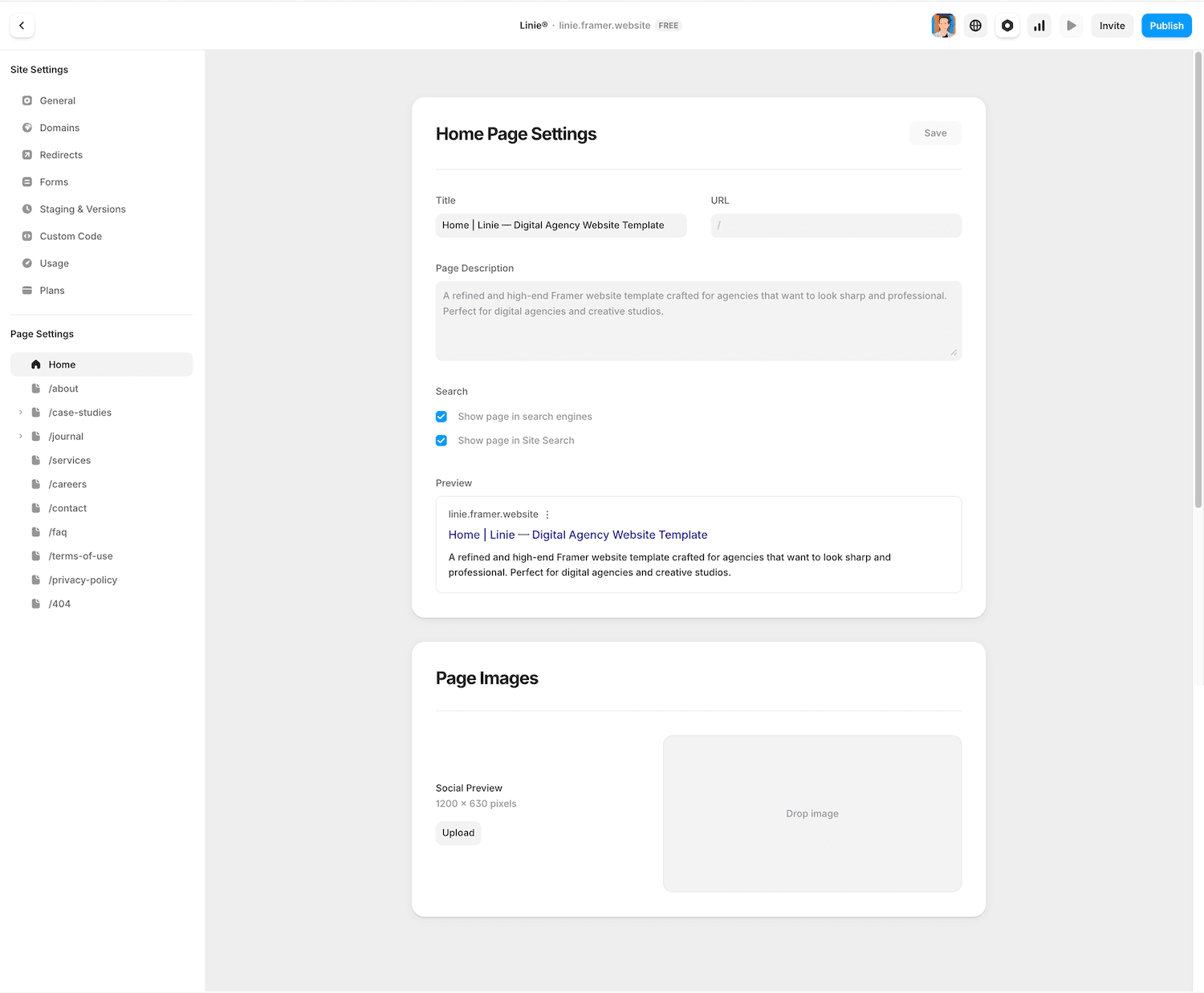
Wix SEO Tools
Wix SEO Wiz gives you a step-by-step checklist for on-page SEO. Wix supports structured data through built-in tools and third-party apps, and generates a sitemap automatically.
The limits show at scale. Managing redirects on large sites is clunky. URL structure is partly locked to Wix's format. And because Wix pages are heavily JavaScript-rendered, there are occasional crawling inconsistencies.
Framer SEO Features
Framer handles SEO at the code level. Pages render as clean, pre-built HTML — faster indexing and more reliable crawling. You can set custom meta per page, manage your sitemap, configure canonical tags, and set up 301 redirects from the dashboard.
One standout feature: Framer CMS collection pages inherit SEO fields automatically. Every blog post or case study gets properly indexed without manual work.
SEO Feature | Framer | Wix |
|---|---|---|
Custom meta per page | Yes | Yes |
Sitemap control | Full | Automatic |
Redirect manager | Built-in | Limited |
Structured data / schema | Manual + code | App-assisted |
Clean HTML output | Yes | Partial |
robots.txt control | Yes | Limited |
CMS SEO inheritance | Yes | Yes |
For serious SEO work — especially content-heavy sites targeting competitive keywords — Framer gives you more control and cleaner output.
Core Web Vitals are now a direct Google ranking factor. Framer has a structural advantage here too — its pre-rendered HTML and Cloudflare CDN delivery consistently produce strong LCP, CLS, and INP scores. Wix has improved its Core Web Vitals performance, but sites with multiple third-party apps still frequently struggle with LCP and INP on mobile.
CMS and Content Management — Framer CMS vs Wix CMS
Both platforms include a CMS for managing dynamic content like blog posts, case studies, or product listings. They work differently.
Wix CMS is more mature and feature-rich. You can build custom collections, dynamic pages, member areas, and connect data to visible elements. It suits content-heavy sites with non-technical editors who need a clean interface.
Framer CMS is clean and fast to set up. You create collections, define fields, and connect them to dynamic pages. It handles blogs, portfolios, case studies, and team pages without friction. And it scales further than most people expect — framer.com itself runs on Framer, which gives you a sense of what's possible at the high end.
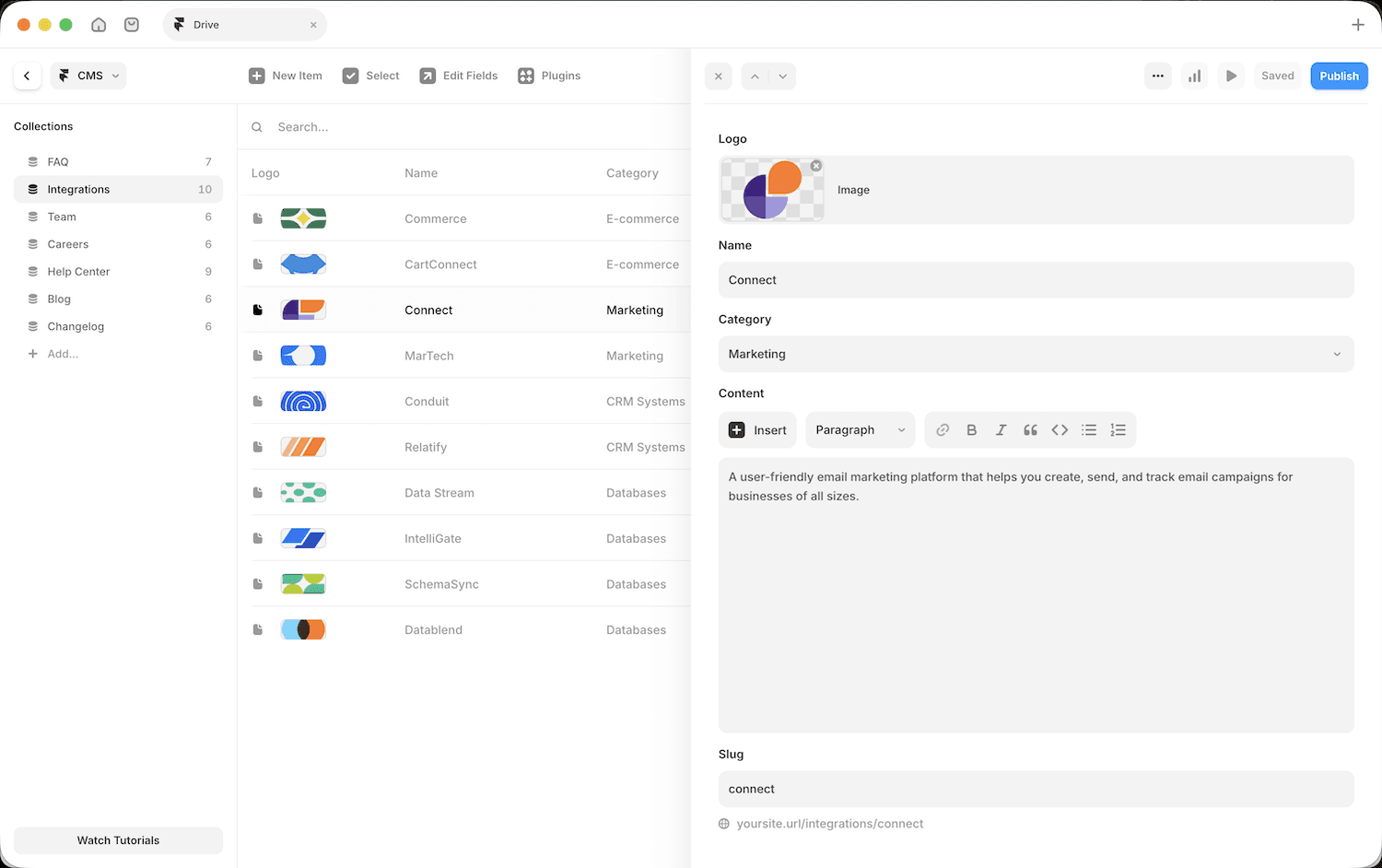
Framer CMS collection editor showing fields panel
Templates — Design Quality and Starting Point
Template quality shapes your project before you write a single word — and this is where Framer has a clear edge.
Wix has over 900 templates across every category: restaurants, portfolios, fitness, eCommerce, events. The quantity is large. The quality is inconsistent — some templates look modern, many look dated or generic.
Framer's template library has grown to over 2,000 templates. The Framer Marketplace covers portfolios, SaaS landing pages, agency sites, blogs, and more — with templates from both the Framer team and independent designers. Quality is consistently higher than Wix because most Framer templates are made by designers who actually use the platform for client work.
If you want a portfolio or agency site that looks sharp from day one, Templita's Framer templates are built with that standard in mind — motion-ready, fully responsive, and designed for creative professionals.

Framer template

Wix template
Plugins, Components, and Custom Code
Wix App Market has over 300 apps — booking systems, live chat, email marketing, memberships. Most are built by third parties, so quality varies. Adding several apps can slow your site down and create support headaches.
Framer Marketplace is smaller but more curated. It offers components — interactive UI elements you drop into any project — plus templates and utilities. For anything outside the marketplace, Framer supports custom code embeds and full React component overrides. This gives developers far more flexibility than Wix's Velo platform.
One tool worth knowing: Framer Workshop is an AI-powered feature inside Framer that lets you describe a component or layout in plain text and generate it on the canvas. It's useful for building custom UI elements, sections, or interactions without writing code. Workshop is still evolving — but it's already one of the more practical AI tools in any website builder. It produces output you can actually edit and use, not just a static starting point.
Does Framer have eCommerce? Not natively. Framer supports embedded Shopify storefronts and third-party checkout tools — but it doesn't have a built-in product management system like Wix Stores. If eCommerce is your main use case, Wix is the more complete solution out of the box.
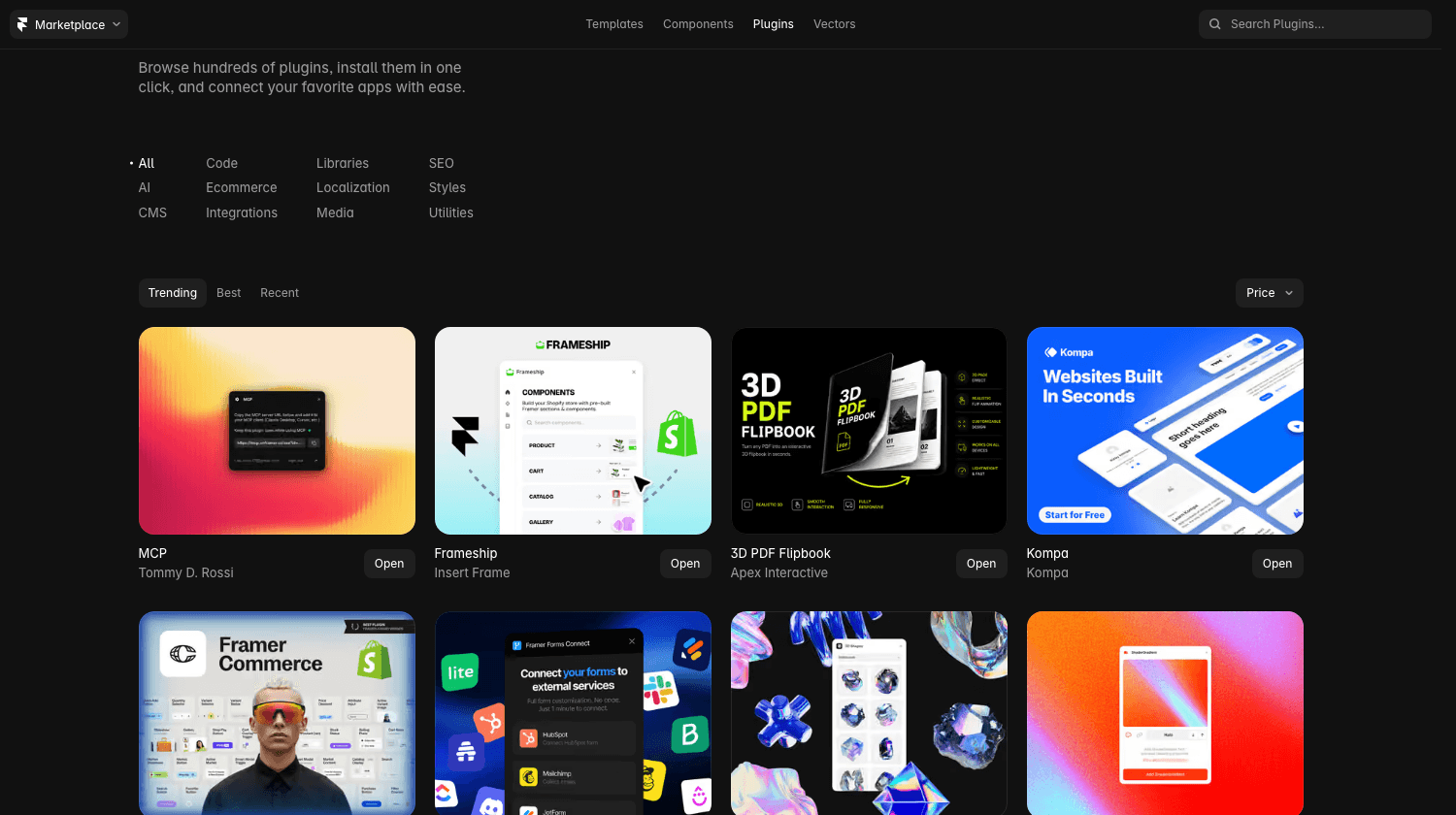
Framer Plugins Marketplace
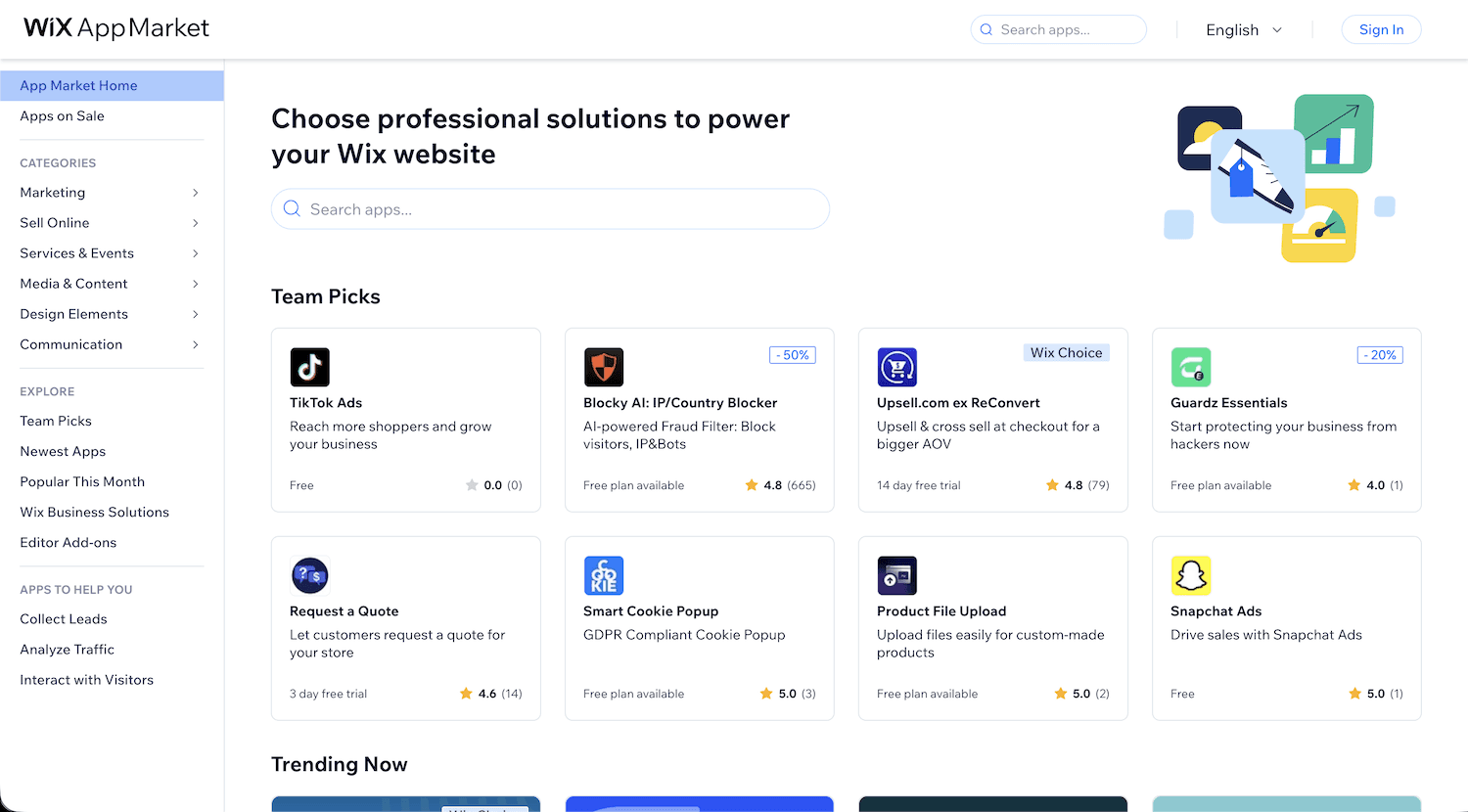
Wix AppMarket
Pricing — What You're Actually Paying For
Both platforms have free plans with real limits, and paid plans that vary in what they unlock.
Wix Pricing
Plan | Price (annual) | Key Features |
|---|---|---|
Free | $0 | Wix branding |
Light | $17/mo | Custom domain, 2GB storage |
Core | $29/mo | 50GB storage, accept payments |
Business | $39/mo | 100GB storage, subscriptions, advanced eCommerce |
Business Elite | $159/mo | Unlimited storage, priority support |
Annual billing. Monthly billing is higher.
Framer Pricing
Plan | Price | Key Features |
|---|---|---|
Free | $0 | Framer branding |
Basic | $10/mo | Custom domain, 30 pages, 1K CMS items, Bandwidth 10 GB |
Pro | $30/mo | 150 pages, 2.5K CMS items, Bandwidth 100 GB, password protection |
Scale | $100/mo | 300+ pages, 10K+ CMS items, Bandwidth 200+ GB, advanced analytics |
Annual billing.
Key differences:
Framer starts cheaper on the entry-level paid plan ($10 vs $17).
Wix becomes more expensive as you add eCommerce and business features.
Framer charges based on pages + bandwidth/traffic (Scale plan grows with usage).
Framer’s free plan is more limited (branding + very few pages).
Neither includes a custom domain on the free plan.
For most small sites: Framer Basic ($10/mo) vs Wix Light ($17/mo) — similar cost, different value. Framer gives better design and performance. Wix gives more built-in apps.
Migrating Between Framer and Wix
Moving from Wix to Framer
There's no direct migration tool. The process is manual — but manageable:
Export your content — Download text and images from Wix. For blog posts, export via RSS or copy manually.
Rebuild your structure in Framer — Start with a template or blank canvas. Recreate your page layouts.
Import CMS content — Framer CMS supports CSV import for collection data, which speeds up blog and portfolio migration.
Set up redirects — Point old Wix URLs to new Framer pages using 301 redirects to protect SEO equity.
Connect your domain — Transfer or re-point your domain to Framer's nameservers.
The most time-consuming part is usually recreating the design and interactions — this is exactly where most people get stuck.
If you don’t want to spend weeks rebuilding everything yourself, I can help.
At slavaburian.com I specialize in professional Wix to Framer migrations. I rebuild your site with modern design, smooth animations, better performance, and clean SEO structure — while keeping all your content and branding intact.
Can You Go Back from Framer to Wix?
Yes, but there's no export path. You'd rebuild from scratch on Wix. In practice, very few people move from Framer back to Wix. The migration path is almost always one direction.
Which Platform Is Right for You? (Use-Case Breakdown)
After comparing every dimension, the answer comes down to what you're building — and who's building it.
Choose Wix If…
Framer vs Wix for small business: If your priority is getting a functional site up fast with booking, payments, and app integrations, Wix is the more practical choice.
You're a complete beginner with no design experience
You need a business site fast — service pages, contact forms, booking
eCommerce is your main use case — Wix Stores is a complete built-in solution
You need multiple non-technical editors managing content
You want a large library of built-in apps without custom development
Choose Framer If…
Framer vs Wix for portfolio and creative work: If design quality is the point — for a portfolio, agency site, or client project — Framer is the clear winner. It gives you more design freedom, beautiful animations, and scales easily as your work grows.
You're a designer or developer who wants full creative control
You're building a portfolio, agency site, or product landing page where design quality matters
Performance and SEO are priorities — Framer's clean output gives you a structural edge
You want custom animations without writing JavaScript
You're building for a client in the creative industry — studios, agencies, freelancers
The Honest Summary
Use Case | Recommended Platform |
|---|---|
First website, no design skills | Wix |
Local business / service site | Wix |
Online store | Wix |
Portfolio / creative agency | Framer |
SaaS landing page | Framer |
Design-forward blog | Framer |
Freelancer client site | Framer |
Conclusion
Wix and Framer are both solid platforms — but they serve different people.
Wix wins on accessibility. It's faster to start, has more built-in apps, handles eCommerce natively, and needs zero design experience. For a small business owner who needs a working site without a learning curve, Wix is the practical choice.
Framer wins on quality. The design ceiling is higher, the performance output is cleaner, and the SEO foundation is stronger. For designers, freelancers, and anyone building a site where visual identity matters, Framer produces results that Wix can't match.
The most common pattern: people start on Wix, outgrow it, and move to Framer once they know what they want their site to do. If you're already past the "I just need something live" stage, starting with Framer saves you that migration later.
For a small business site: Wix gets you there faster. For a portfolio or creative agency site: Framer makes it look better. Pick the platform that matches where you are now — not the one that sounds more impressive.
FAQ
1. Is Framer harder to use than Wix?
Yes, at first. Framer has a steeper learning curve — especially if you haven't worked in a layout tool like Figma. Most designers get comfortable within a week. Wix takes almost no time to start.
2. Which is better for SEO — Framer or Wix?
Framer has a structural SEO advantage. It outputs clean, pre-rendered HTML and gives you full control over technical SEO. Wix works fine for basic SEO but is more limited at the advanced level.
3. Does Framer have eCommerce?
Not natively. Framer supports Shopify embeds and third-party checkout tools, but has no built-in product or order management. For a full eCommerce setup, Wix Stores is the better option.
4. Can you migrate from Wix to Framer?
Yes, but it's manual. There's no migration tool — you rebuild layouts in Framer, import CMS content via CSV, and set up 301 redirects for SEO continuity. Most people treat it as a redesign opportunity.
5. Is Framer or Wix better for a portfolio?
Framer is the stronger choice. The design quality, animation options, and performance output make it the go-to platform for designers and creatives who want their site to match the quality of their work.
More Articles
Explore More Articles
Discover other Guides & Tips for Framer Websites