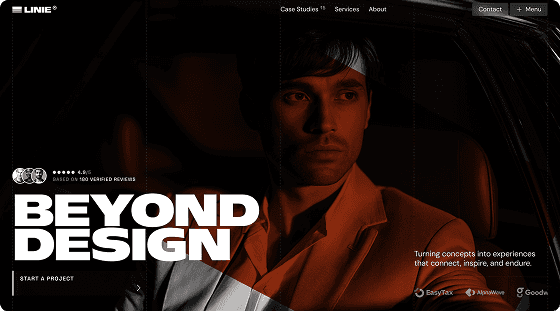


Framer makes it easier than ever to build a website. You don't need a developer, you don't need to touch code, and you can go from idea to published in a day. But there's a catch: most templates available don't fit real business needs.
Finding a template that actually matches your niche — agency, SaaS, eCommerce, personal brand — used to mean hours of searching, compromising, or starting from scratch anyway.
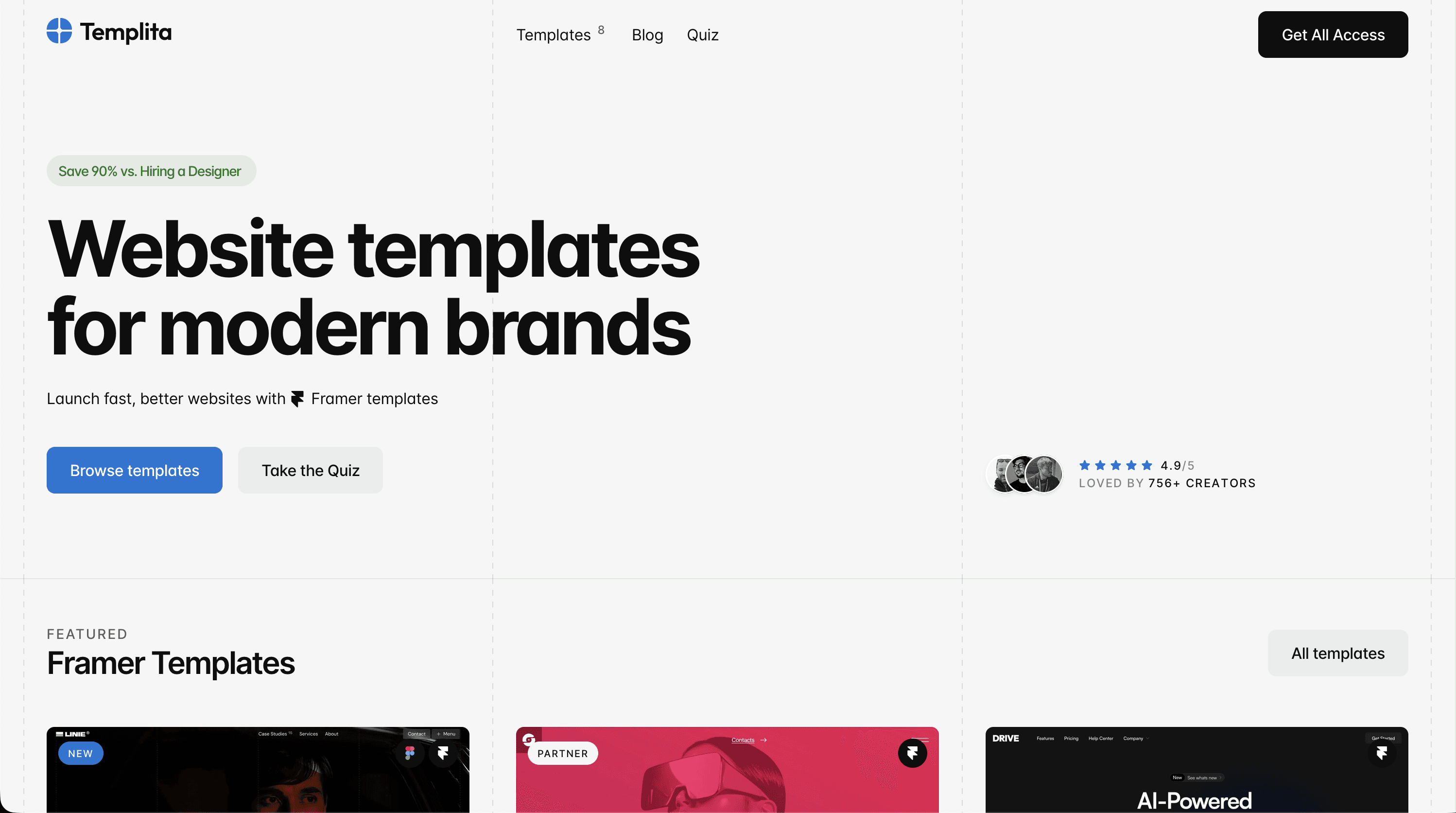
That’s why I built Templita — my own Framer templates marketplace. Not just to sell templates, but to have full control over how things are built, priced, and delivered. It gives me the flexibility to run promotions, offer discounts, and experiment with bundles like All Access over time — something that’s limited on traditional marketplaces.
Templita is also more than just a shop. It’s a growing resource hub where you’ll find practical how-to guides, comparisons (like Framer vs Webflow) and inspiration around building with Framer. Most templates here are created by me, with a few carefully selected partner contributions.
Why I Started Templita: The Story Behind the Marketplace
I didn’t plan to build a marketplace. Templita started as a way to solve a different problem — more control. Control over how templates are built, how they’re priced, and how they’re delivered to people who actually need them.
Working inside existing marketplaces often means playing by someone else’s rules. Pricing isn't flexible. Promotions are limited. Visibility depends on algorithms you don’t control. Even strong templates can get buried.
That’s the main reason Templita exists.
Building on My Own Terms
With Templita, I wanted a system where I could make decisions based on long-term value, not platform constraints.
Instead of being limited by marketplace pricing and promotion rules, I can experiment with bundles, run discounts when it makes sense, and improve templates over time without friction. It also removes the dependency on marketplace algorithms, which often decide what gets visibility and what doesn’t.
The goal is simple: build a marketplace that works for both the creator and the user.
Built by Someone Who Actually Uses Framer
Behind every template is real project experience.
I’ve been working in UX/UI design and web design for over 10 years, across agency work, product teams, and freelance projects. Over time, Framer became my main tool for building websites and website templates.
As a Certified Framer Expert, I’ve spent a lot of time understanding how Framer works at a structural level — not just how to design, but how everything behaves when a real client starts editing the site.
That experience shapes how every template is built.
They’re not made for showcase. They’re made to be used.

Focused on Real Business Needs
Templita is not about having hundreds of templates. It’s about building templates that actually match specific business needs. Most templates on the market try to be universal, which often means they don’t fully fit anything.
Here, each template is built with a clear use case in mind. That makes it easier to launch faster without rebuilding half of the structure after purchase.
More Than Just a Marketplace
Templita is also a content layer. Alongside templates, there’s a growing blog focused on practical Framer topics — from how-to guides to comparisons like Framer vs Webflow, plus SEO tips and design inspiration.
The idea is to create something useful beyond the purchase itself. A place you can come back to when you’re building, not just when you’re buying.
A Curated Library
Most templates on Templita are built by me, based on real client work and systems I’ve refined over time.
There are also a few partner templates, but only when they meet the same standards in structure, usability, and overall quality.
No volume for the sake of volume. Just a focused, reliable library.
What Makes a Good Framer Template (And How We Set the Bar)
Before building Templita, I needed a clear standard. Not every template that looks good deserves to be sold. Here's what every Templita template has to pass before it's published.
Clean Structure That's Easy to Edit
A template's real test isn't the preview — it's what happens when someone who didn't build it opens the file and starts making changes. The structure has to be self-explanatory.
That means named layers, a consistent component hierarchy, and a styles panel that's actually organized. Variables for colors and typography should be set up so that changing a brand color takes seconds, not an hour of hunting through nested frames.
Every Templita template is built with this in mind. If you open the file and feel lost, the template failed — regardless of how good it looks.
CMS-Ready and Mobile-Polished
Every template ships with CMS collections already connected. Blog posts, portfolio projects, product listings — they're wired up so you can add content immediately without touching the component logic.
Mobile responsiveness is tested on real devices, not just the Framer preview panel. Breakpoints are set intentionally, not as an afterthought.
What You Actually Get Inside Every Templita Template
Here's what's included with every template:
Fully built pages — not just a homepage. Expect inner pages, about, contact, and relevant section variants
CMS collections ready — connected and populated with placeholder content so you can see exactly how it works
Components & styles system — a proper design system with variables, reusable components, and consistent naming
Responsive on all breakpoints — desktop, tablet, and mobile tested and polished
Documentation — every Templita template ships with a setup guide so you're never left guessing
Real Results: What Our First Users Say
Templates are only as good as what people actually do with them. Here's what early Templita users have said — and how quickly they were able to get from purchase to live site.
" height="40px" id="SHxZVWPpt" width="40px"/></svg>)
"I really enjoy how flexible and well-structured the template is. It made customization smooth and intuitive, and with your help, it truly started to feel like my own. I also appreciate the clean design and attention to detail it saved me a lot of time and elevated the overall quality of my project."
A typical Templita purchase-to-launch timeline looks like this: buy the template, remix it to your Framer account, swap branding and copy, connect CMS, publish. For straightforward projects, that's a day's work. For more complex builds, the template still cuts the early structural phase significantly.
Need to Migrate to Framer? That's Covered Too
Buying a template is the starting point — but for some projects, the bigger challenge is getting there in the first place.
If you're running a site on WordPress or Webflow or any other website builder and want to move to Framer, the migration itself can be a blocker. Content to transfer, SEO to preserve, redirects to set up, CMS structure to rebuild. It's doable, but it takes time and familiarity with how Framer handles things differently from other platforms.
That's where the migration and customization service comes in. Through slavaburian.com, I offer Framer migration and customization work directly — for teams that want to move fast but don't want to handle the technical side themselves.
The service covers full migrations from any other website builder, template customization beyond what you'd do yourself, and CMS setup for more complex content structures. It's built for agencies and founders who want a Framer site done properly, without spending weeks figuring it out.
If you're buying a Templita template and need hands-on help getting it set up the way you need it — that option exists.
Who Templita Templates Are For
Templita templates aren't built for a general audience. They're built for three specific groups of people — and if you fit one of them, the templates will feel like they were made with your workflow in mind.
Agencies and freelancers use Templita templates to speed up client delivery. Instead of rebuilding the same page architecture on every project, you start from a structure that's already been tested on real client work. The component system and CMS setup are clean enough to hand off to a client without explaining how everything is wired.
Founders and service-based businesses use them to launch without a developer. Framer handles the publishing, Templita handles the structure, and you handle the product. Whether it’s a SaaS product, an agency, or a niche business site — what would normally take weeks to design and build can now go live in just a few days.
Independent Professionals like realtors can use Templita to build an authoritative digital presence. In industries where client trust is the primary asset, your website needs to look impeccable from the first click. You get a pre-built logic for showcasing services and expertise that functions like a high-end custom solution. It’s the fastest way to package your reputation in a premium interface without taking time away from your practice.
Conclusion: What Templita Is, and Where It's Going
Templita started as a practical solution to a problem I kept running into: quality Framer templates built for specific use cases didn't exist in one place. So I built that place.
What's coming next:
More niche templates are already in the pipeline, including personal websites and professional service-based sites.
Expanded All Access pack for teams and agencies that need more than one template
A growing blog with practical Framer content: how-to guides, tool comparisons, SEO tutorials, and design inspiration
Partner templates from selected Framer designers — a small, curated addition to the primarily original library
The goal isn't to have the most templates. It's to have the right ones — and to keep improving them based on how people actually use them.
If you're building a Framer site and want to skip the structural groundwork, browse the full template library at templita.com. Not sure which template fits your project? Take the 1-minute quiz to find the right starting point.
FAQ
Are Framer templates SEO-friendly?
Yes. Every Templita template is built with clean page structure, proper heading hierarchy, and CMS-connected pages that Framer can index. You can add meta titles, descriptions, and Open Graph images directly in Framer's page settings — no plugins required.
Do I need coding skills to use a Framer template?
No. Framer is a visual editor — you customize templates by clicking, editing text, and swapping images. Basic Framer familiarity helps, but no coding is required. Each template also comes with documentation to walk you through the setup.
Can I customize everything in a Templita template?
Yes. Every template uses Framer's variables system for colors and typography, so brand changes take minutes. Sections are built as independent components — you can reorder, duplicate, or remove them without breaking the layout.
How much does a Templita template cost? What's included?
Individual templates are priced separately. The All Access pack at $279 includes every current and future template in the library. Every purchase includes the full Framer file, CMS setup, documentation, and lifetime access to updates.
Can I use templates for client projects?
Yes. Templita's license covers commercial use, including client work. You can use a template as the foundation for a client site without purchasing an additional license.
How is Templita different from free templates on Framer Marketplace?
Free templates are a starting point — they're often built quickly and aren't always maintained after release. Templita templates are built to a production standard, come with documentation, have connected CMS, and are updated over time. You're also buying from the person who built them, which means support is direct.
What if I need help with customization or migration?
Template-level questions are covered through documentation and direct support. For larger projects — migrations from WordPress or Webflow, deep customization, or full builds — that's handled through slavaburian.com.
More Articles
Explore More Articles
Discover other Guides & Tips for Framer Websites